The Room, the Clock, and the Big Ask
You know the scene: a boardroom fills fast, slides load slow, and the chair wants to start on the dot. A paperless conference system is meant to keep things tidy, smooth, and calm. Yet the first five minutes still vanish to mic tags, seating confusion, and who-speaks-when. In one recent week, we saw 60 people in two back-to-back sessions lose a combined 25 minutes to small setup snags—funny how that works, right? Now, those minutes are real costs: attention, accuracy, and trust. If the interface feels clunky, folks blame the tech, even when the workflow is the real issue. So here’s the question that matters: how do we give people fast context at the mic and keep the room flow steady, without piling on more complexity (or stress)? Righto, we need simple cues, quick control, and less hunting for names or agenda numbers.
That’s where a clear, side-by-side look helps. We can compare old habits with smarter tools, and see what actually lifts the room. Let’s unpack that.
The Deeper Issue: Where Screened Mics Fix One Thing and Break Two
Why do screens on mics complicate the room?
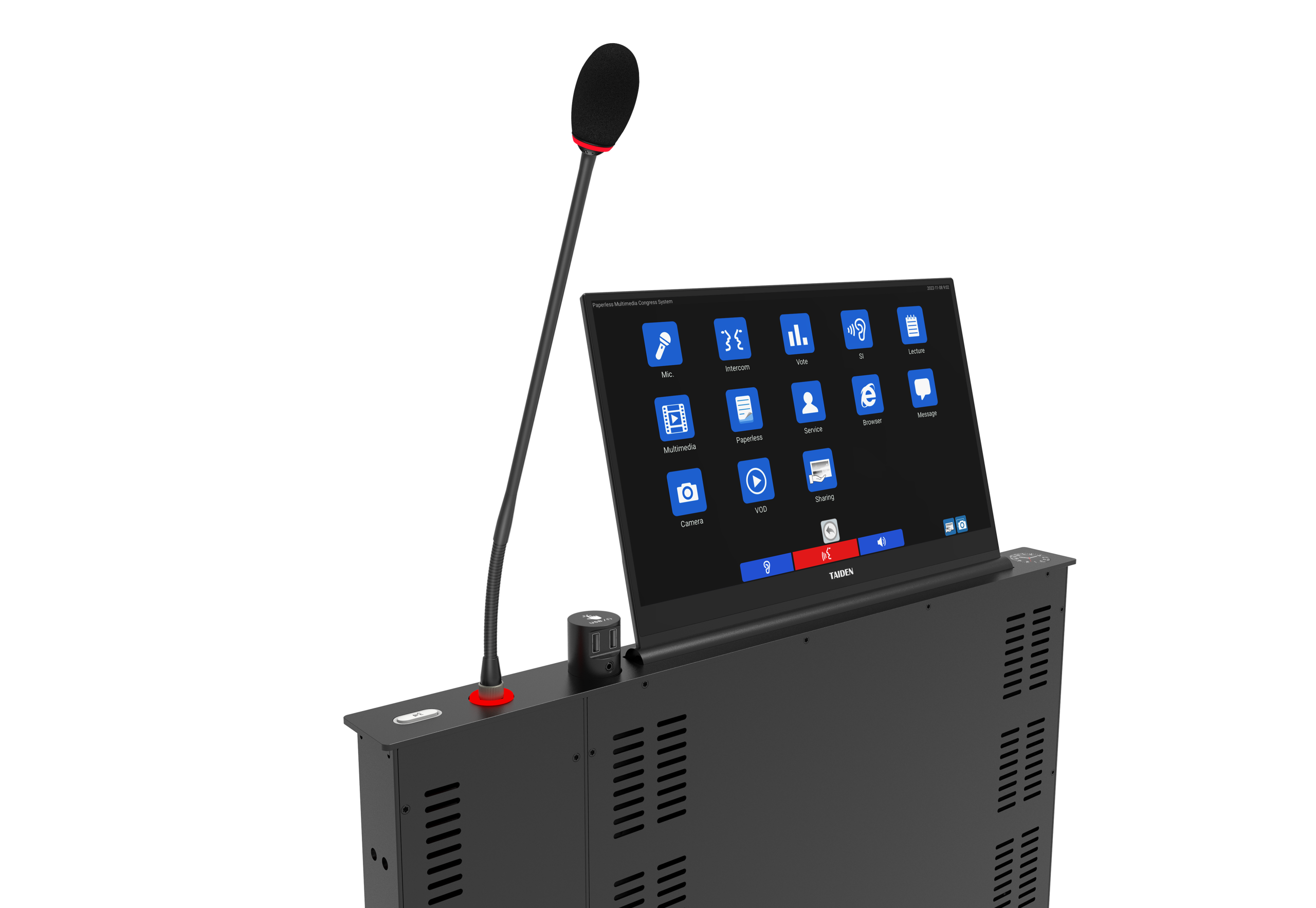
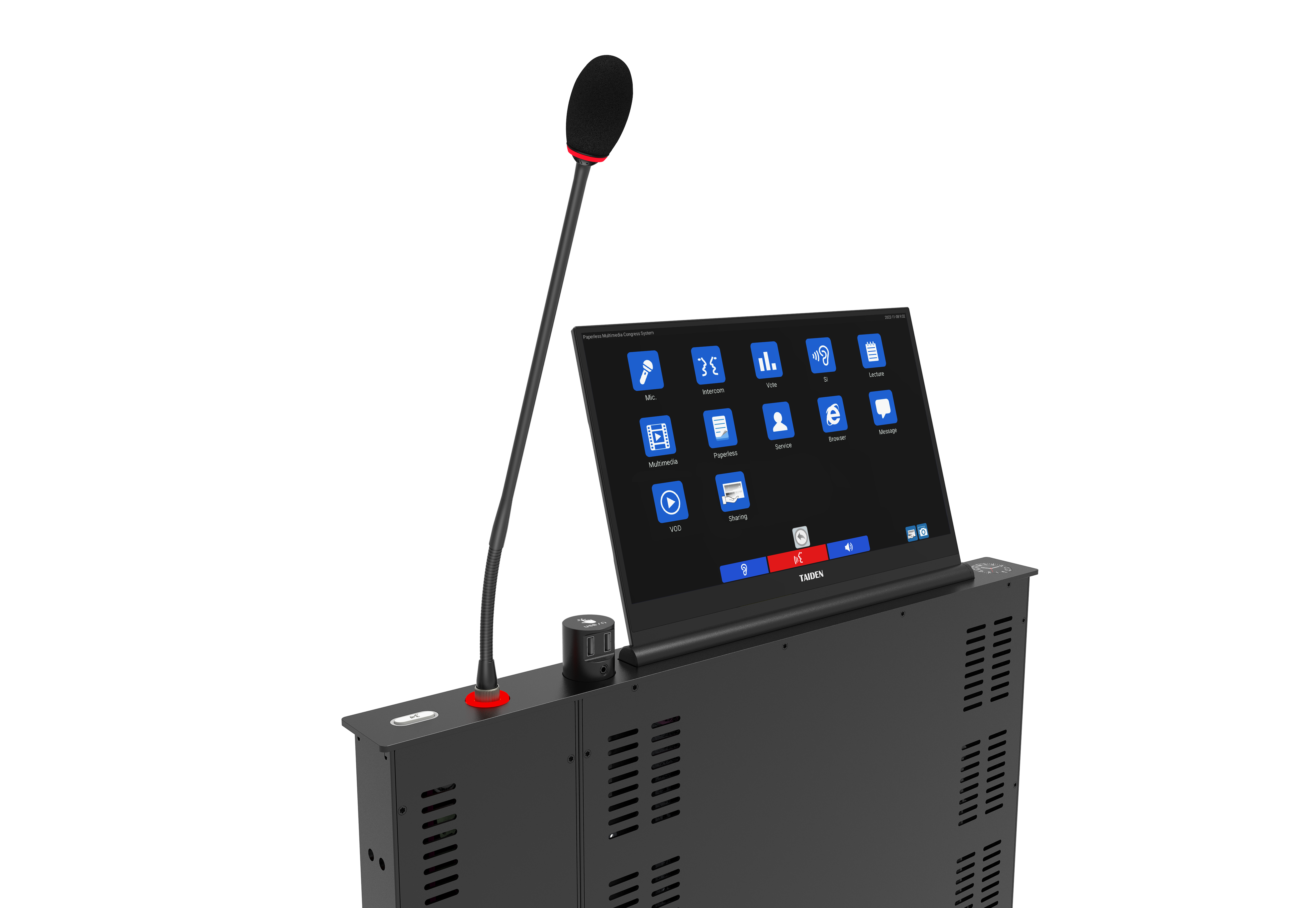
A microphone with screen promises clarity at the seat: who’s speaking, vote states, prompts, and timers. Look, it’s simpler than you think. But the hidden pain points pop up fast. First, if the UI is busy, delegates pause to read tiny labels, which slows debate. Second, some setups tie screen refresh to the media path, so the latency budget blows out when the network burps. Add a bit of RF noise and the whole UI feels laggy. That’s not a people problem. It’s an architecture problem. Beamforming and DSP can polish voice, sure. But if control traffic has no QoS and competes with video, your cue cards show up late. People then over-talk, or double-press, and the chair loses flow—go figure.
Then there’s power and cabling. Daisy chain too many units off weak power converters and you’ll see resets at peak load. Screens need stable draw, and PoE budgets can be tighter than they look on paper. Traditional “fixes” add more hubs or an extra app, which brings more points of failure. What works better is a simpler stack: decouple UI updates from audio transport, cache agenda data on the device, and keep feedback loops local. When the mic shows who’s next, what the vote means, or a simple timer—without waiting on the cloud—delegates relax. They stop fiddling. The chair leans in. And the system feels like it’s reading the room, not holding it up.
Looking Ahead: Principles That Make the Upgrade Worth It
What’s Next
Moving forward, design beats brute force. A strong path uses three ideas: control-plane isolation, smart caching, and resilient sync. First, separate UI traffic from audio with stream standards like AES67 and strict QoS tags. Keep the screen fast even if the voice path gets busy. Second, push small logic to the edge. Light edge computing nodes on each unit can handle timers, nameplates, and queue states, then sync upstream when it’s quiet. Third, build for graceful failure. Redundant topology, local state snapshots, and OTA firmware that staggers updates mean sessions stay on track even during hiccups. Now, when you fold in digital paperless conference equipment, the stack aligns: mics show context; tablets show documents; the chair console coordinates—everyone gets just enough data, not a fire hose. Screens get purpose, not clutter. And the room breathes. That’s the point.
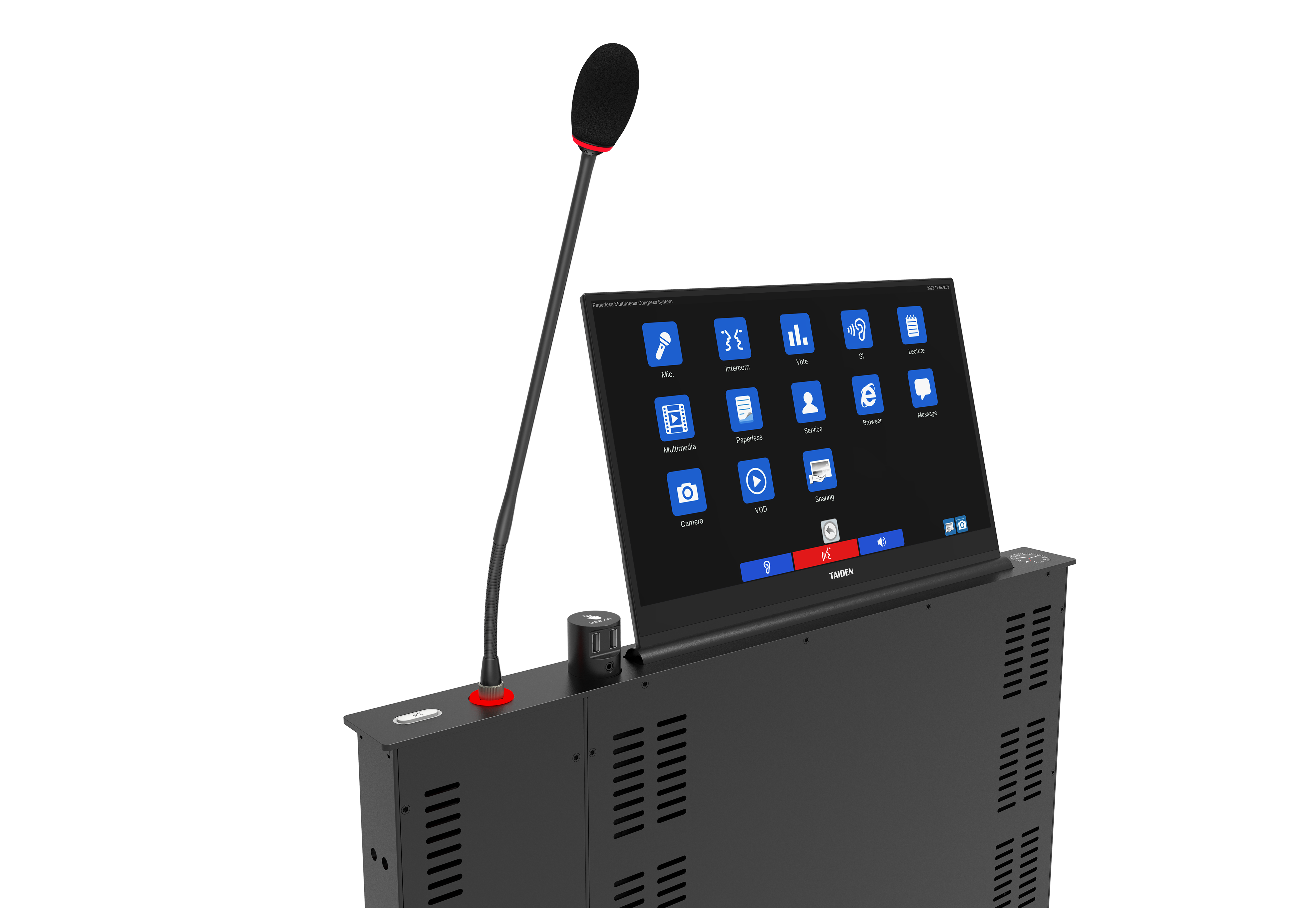
Here’s a practical way to choose gear—an advisory wrap with three checks: 1) Responsiveness under stress: does the UI stay under 150 ms when the network is loaded with multicast video and control bursts? 2) Power and scale: can each unit run stable on PoE with headroom, and does the vendor publish real draw at peak screen brightness? 3) Interop and recovery: are there clear logs, fast rollback, and open standards for audio and control so you’re not locked in? Hit those and you’ll drop the “fiddle time” by minutes per meeting—minutes you’ll actually feel. And when screens on mics are clear, low-latency, and context-aware, people stop noticing the tech. They just get on with it—Australian as. If you want a concrete reference point for that class of hardware, have a look at TAIDEN.